
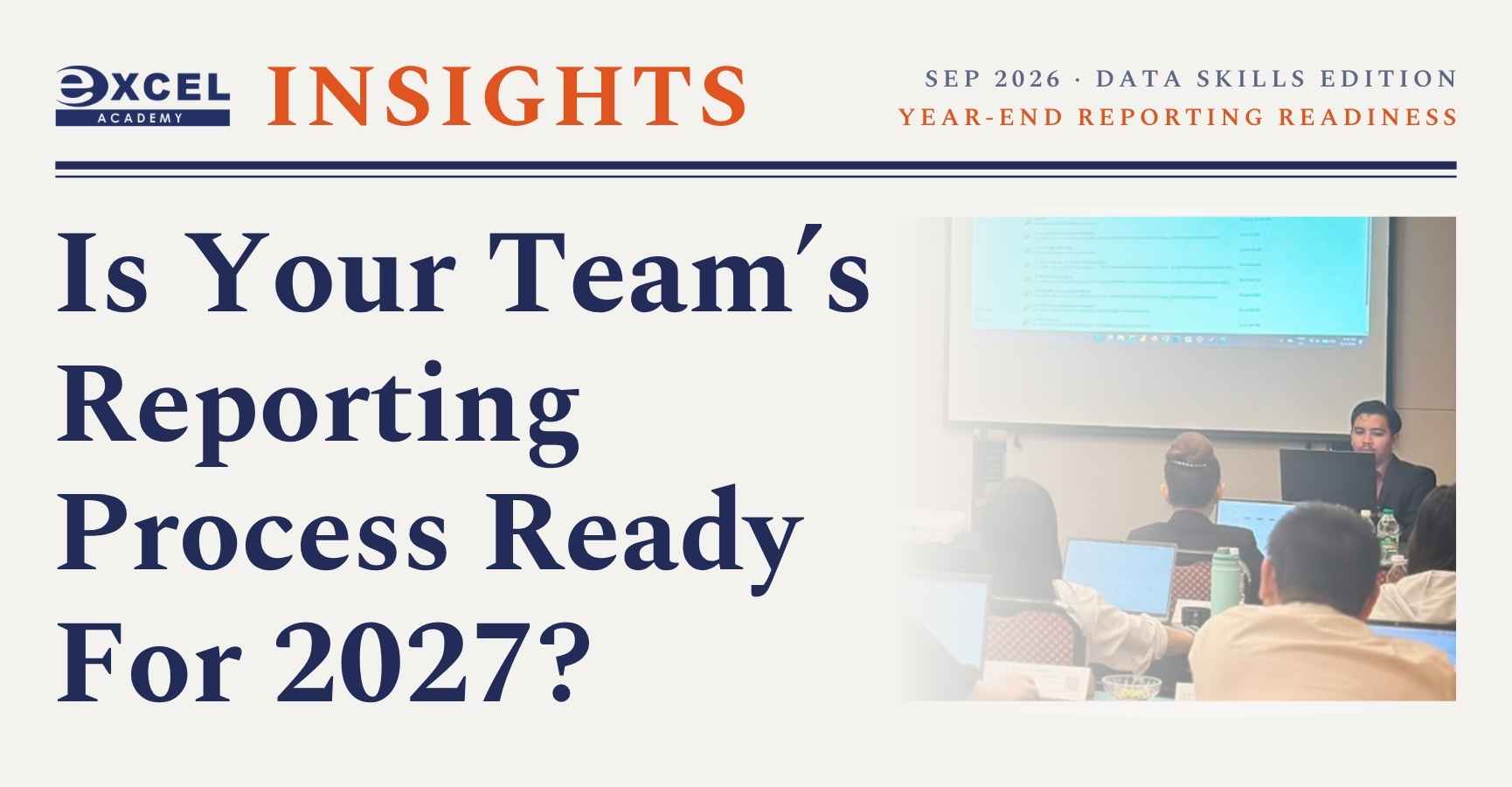
As Q4 approaches, finance, operations, HR and marketing teams face the same crunch: year-end reporting, budget reviews, and planning for 2027.
This Data Skills Edition was created to help you pause and fix small process gaps before the year-end rush – when training budgets are still open and there is still time to upskill.
What’s Inside: Year-End Reporting Readiness
This is a 10-minute practical read designed for managers, executives, and L&D teams.
5 Signs Your Reporting Process Needs an Upgrade
These are process issues first, not just software issues. From our public and in-house sessions in Petaling Jaya, we see these patterns often:
- Your monthly report starts with copy-and-paste
- One person “owns” all the reporting knowledge
- Departments produce different versions of the truth
- Updating the report takes longer than analysing it
- Your “dashboard” is really a static chart pack
Did you know?
The biggest productivity gain often happens before the chart is created – in cleaning, correcting columns, and repeating preparation steps. That’s where Power Query becomes valuable.
Practical Tool Guide: Which Problem Are You Trying to Solve?
Excel, Power Query and Power BI overlap, but they are strongest at different stages.
- Excel (Analyse & report): Formulas, PivotTables, departmental reporting, management summaries. Best when flexibility matters.
- Power Query (Prepare & automate): Combine recurring files, clean & reshape data, standardise preparation. Best when preparation is repetitive.
- Power BI (Model & visualise): Interactive dashboards, data modelling & DAX, refreshable reports. Best when reporting needs to be interactive and scalable.
Simple rule: Excel analyses the business. Power Query prepares the data. Power BI turns it into scalable intelligence.
2027 Readiness Check for Your Team
Use this 6-question checklist in your next team meeting:
- Can staff confidently analyse larger Excel datasets?
- Are management reports easy to understand at a glance?
- Does the team know when Excel is enough and when Power BI is better?
- Can data-cleaning steps be reused rather than repeated?
- Can recurring reports be updated without excessive copying?
- Can reports be refreshed without rebuilding them each month?
If you answered “No” to several, your 2027 development plan may need a stronger data-skills component. Start with the workflow problem, then choose the skill or tool to address it.
90-Day Planner: Final Q4 Training Dates (HRD Corp Claimable)
To support your year-end planning, we’ve included our 90-Day Planner for Sept – Nov 2026. All programs are HRD Corp Claimable, 2 Days and held at Armada Hotel, Petaling Jaya and Excel Academy, PJ.
Final 2026 Intakes:
- 23 & 24 Sep 2026: Microsoft Excel Intermediate & Advanced Level: Data Management with AI Tools
- 28 & 29 Sep 2026: Microsoft Power BI with AI Tools: Data Analysis and Visual Reporting
- 13 & 14 Oct & 11 & 12 Nov 2026: Microsoft Power Query With AI Tools
- Full Sep-Nov calendar includes Digital Marketing Masterclass, Claude AI for Workplace Productivity, Canva AI Bootcamp, TNA, and more – all inside the PDF.
Download the Excel Academy Insights Newsletter: September 2026
View and download the full 4-page newsletter. It includes the complete articles, the tool decision table, the readiness checklist, and the printable 90-Day Planner.

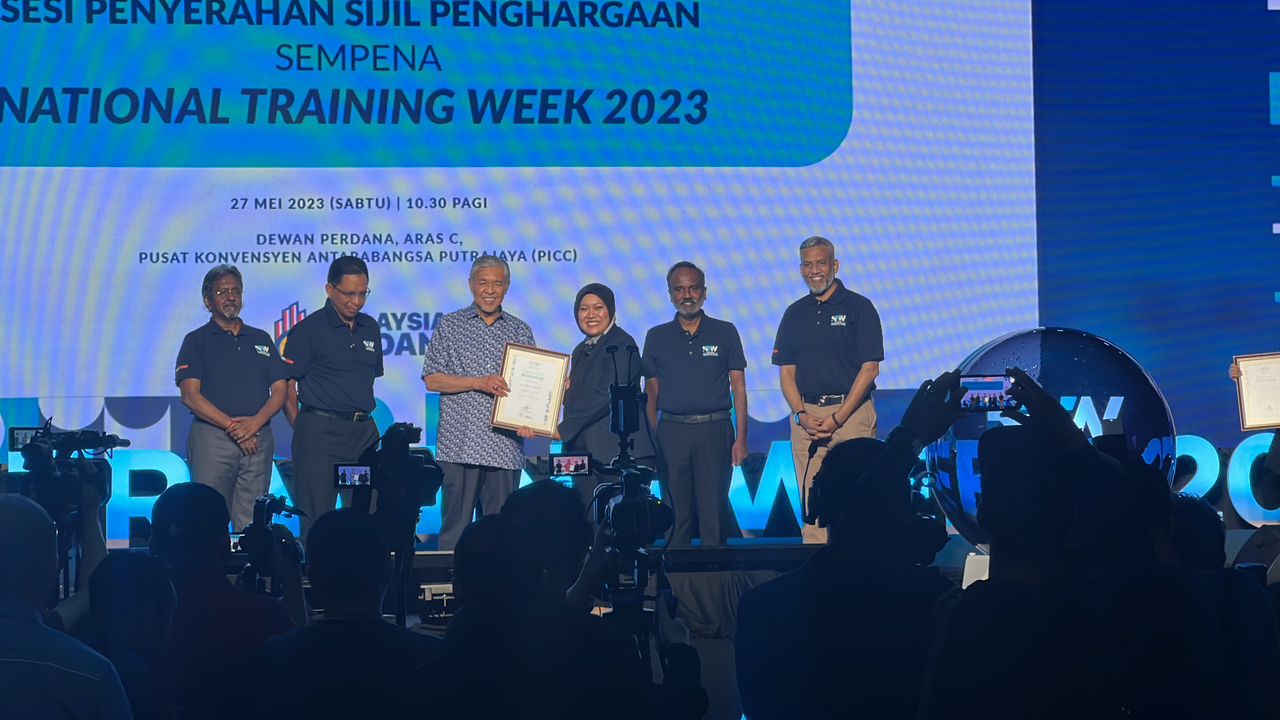
![[News & Updates] Iklim Prima Sdn Bhd Recognized As The Top Course Provider For National Training Week 2023](https://www.excelacademy.my/wp/wp-content/uploads/2023/05/IKLIM-PRIMA-Sdn-Bhd-Top-Course-Provider-for-National-Training-Week-2023-3-500x383.jpeg)
Leave A Comment