
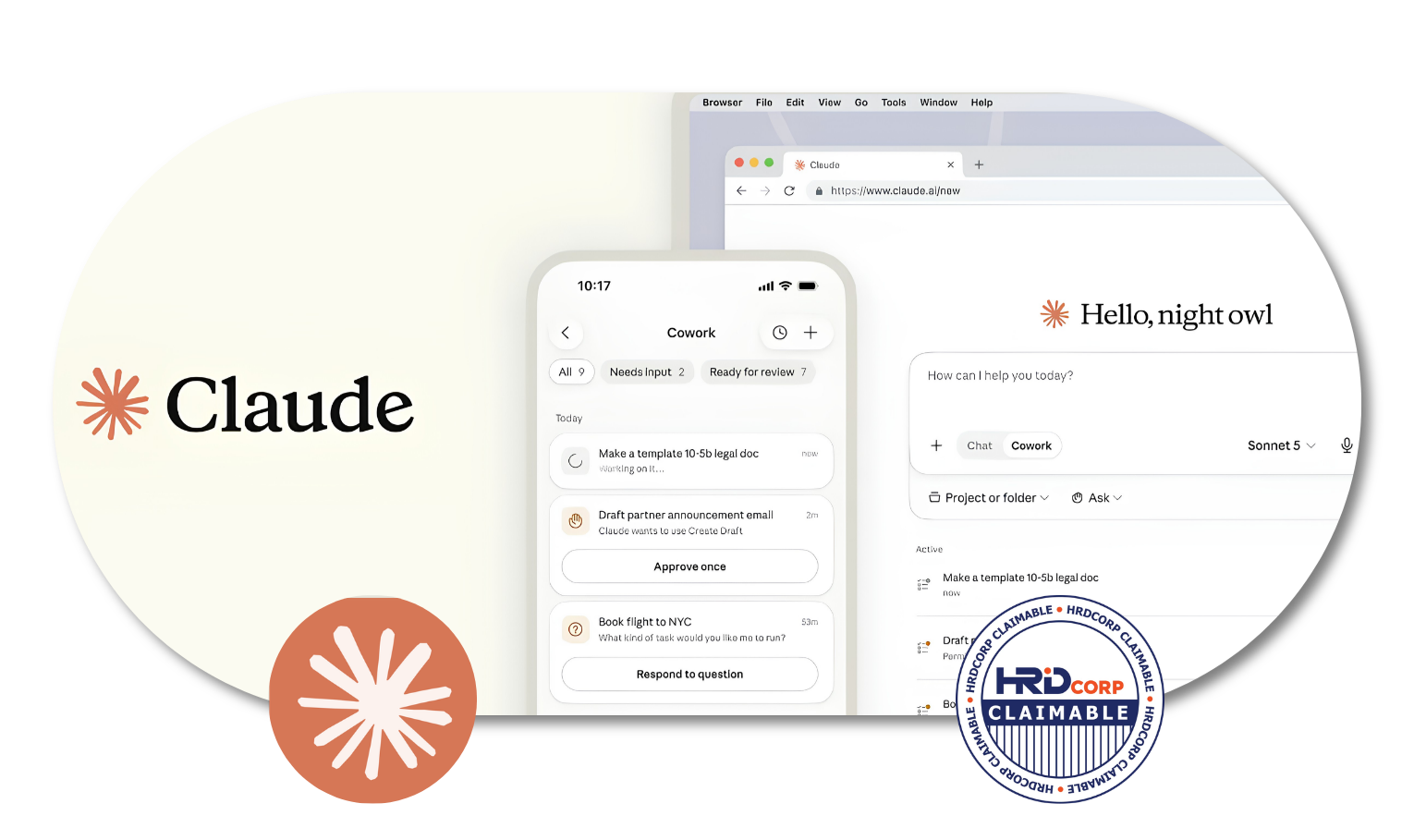
Claude-AI for Workplace Productivity
Work Smarter with Claude AI
Who Should Join This Claude-AI for Workplace Productivity Training?
This Claude AI for Workplace Productivity programme is suitable for professionals who want to use AI more effectively in their daily work, including:
- Executives and managers
- HR and administrative professionals
- Marketing and communications teams
- Sales and business development professionals
- Trainers and educators
- Research and project teams
- Anyone looking to improve workplace productivity using Claude AI
HRD Corp Claimable Course
This course is not just eligible for HRD Corp claims, it’s a must-have opportunity for those looking to invest in their personal and professional growth. By taking advantage of the organization’s human resource development program and getting reimbursed for the cost of the course, you’ll not only be boosting your skillset and increasing your knowledge, but you’ll also be maximizing the benefits offered by your employer. Don’t miss out on this incredible opportunity to enhance your career and secure your future success. Make the investment in yourself today and claim your spot in this valuable course.
Course Outline
MODULE 1: CLAUDE AI FUNDAMENTALS & PROMPTING FOR WORK
- What Claude is and how it supports writing, thinking, learning, planning, research and work output creation.
- Claude interface overview: chat, file upload, image input, voice/mobile/desktop access and common workplace use cases.
- Prompting framework: role, context, task, source, format, constraints, examples and quality review criteria.
- Responsible AI habits: privacy, sensitive information, hallucination checks, citation review and human accountability.
MODULE 2: PROJECTS, MEMORY AND KNOWLEDGE MANAGEMENT
- Using Projects to organize conversations, instructions, documents and recurring work by topic or department.
- Setting project instructions for tone, role, output style, workflow rules and preferred formats.
- Understanding Memory and past-chat search for continuity, preferences and reduced repetition across work sessions.
- Designing project workspaces for HR, marketing, training, sales, administration, research or management tasks.
MODULE 3: ARTIFACTS, FILE ANALYSIS AND VISUAL OUPUT
- Using Artifacts to create and refine documents, checklists, diagrams, tables, dashboards, website mockups and simple tools.
- Uploading PDFs, Word documents, spreadsheets, CSV files, images or notes for summarization, extraction and review.
- Turning complex information into clearer structures such as comparison tables, action trackers, visual summaries and briefing packs.
- Reviewing Claude outputs for accuracy, completeness, tone, formatting, usability and stakeholder readiness.
MODULE 4: SKILLS, WEB SEARCH, CONNECTORS AND WORKFLOW AUTOMATION
- Understanding Claude Skills as task-specific instructions, resources and workflows for more reliable specialised outputs.
- Using web search for up-to-date information, source-grounded answers, citation checking and research briefings.
- Understanding connectors for approved integration with tools such as Google Drive, Gmail, Microsoft 365, Slack or other workplace systems, where available.
- Designing a reusable Claude workflow from research to draft, analysis, artifact creation, review and final output.
Why You Should Enroll With Us?

Enrolling with us offers you numerous benefits, including:
Expert instruction
Learn from experienced trainers who will guide you through practical ways to use Claude effectively and responsibly in the workplace.
Practical prompting skills
Learn how to structure better prompts using context, instructions, source materials, output formats and review criteria.
Workplace productivity
Discover how Claude can support writing, planning, research, analysis, summarisation and everyday professional tasks.
Hands-on AI tools
Explore Projects, Artifacts, file analysis, web search and other Claude features through practical workplace applications.
Reusable workflows
Learn how to create more structured AI workflows that can be reused for recurring tasks across different departments and job functions.
Responsible AI use
Develop good practices for handling sensitive information, checking AI-generated content and maintaining human review and accountability.
So why wait? Invest in your future success and enroll in our training today!
If you’re interested in learning more about this course and what it has to offer, don’t hesitate to reach out to us! We’d love to hear from you and answer any questions you may have. Our friendly and knowledgeable team is here to help, so please feel free to reach out to us at 1700-81-5520 or email at training@excelacademy.my.
Whether you’re still considering enrolling or have already decided, we’re here to support you every step of the way. So go ahead, and get in touch with us today!