
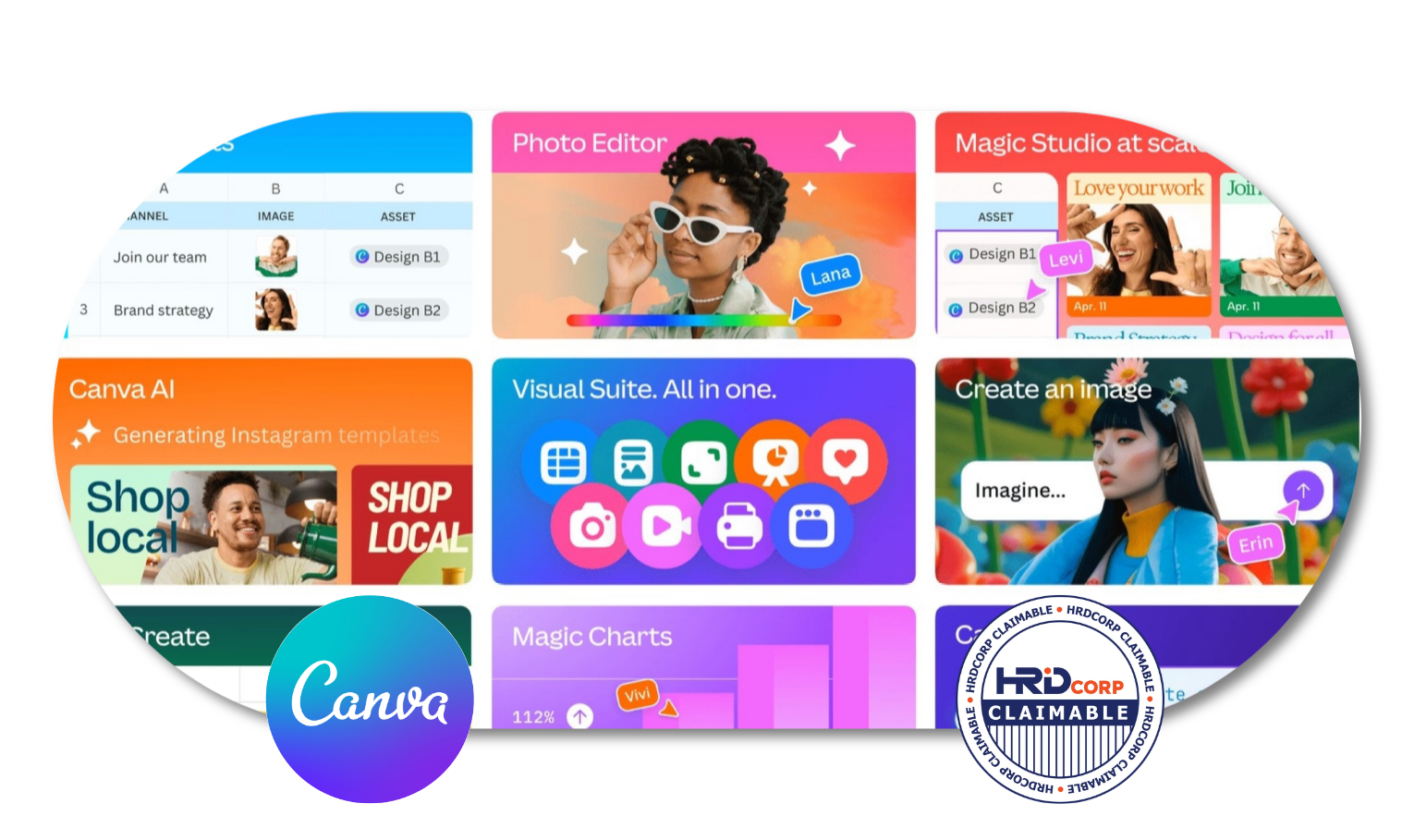
Canva AI Bootcamp: Optimising Your Design
Create Better Designs with Canva and AI
Who Should Join This Canva AI Bootcamp: Optimising Your Design?
This Canva AI Bootcamp: Optimising Your Design programme is suitable for anyone who wants to improve their Canva and visual content creation skills, including:
- Marketing and social media professionals
- Content creators
- Business owners and entrepreneurs
- Administrative and communications teams
- Trainers and educators
- Professionals who create presentations, reports or marketing materials
- Anyone looking to improve their design skills using Canva and AI tools
HRD Corp Claimable Course
This course is not just eligible for HRD Corp claims, it’s a must-have opportunity for those looking to invest in their personal and professional growth. By taking advantage of the organization’s human resource development program and getting reimbursed for the cost of the course, you’ll not only be boosting your skillset and increasing your knowledge, but you’ll also be maximizing the benefits offered by your employer. Don’t miss out on this incredible opportunity to enhance your career and secure your future success. Make the investment in yourself today and claim your spot in this valuable course.
Course Outline
MODULE 1: FOUNDATIONS AN MARKETING DESIGN: INTRODUCTION TO VISUAL STORYTELLING
- Importance of visuals in digital marketing and brand engagement.
- Core principles of effective design: color, typography, composition.
- Visual storytelling applicable to social media and digital platforms.
- Discussion & Sharing: visual content from various industries.
MODULE 2: MAXIMISING CANVA’S FREE FEATURES
- Overview of Canva’s free features and interface.
- Principles of visual narrative for various media formats.
- Crafting compelling designs with free elements and photos.
- Creating and managing reusable templates within the free version.
- Hands-on: Create a product/service flyer that applies the design principles.
MODULE 3: PHOTO EDITING AND ANIMATION FOR CANVA
- Introduction to Canva’s photo editing tools (filters, adjustments, cropping, background remover).
- Enhancing product photos for marketing materials.
- Exploring the animation feature and video feature in Canva.
- Hands-on: Create a social media posts using optimized photos and/or animation.
MODULE 4: BRANDING AND CONSISTENCY
- Developing brand assets, such as a makeshift brand kit.
- Maintaining consistency in designs across different mediums.
- Build a mini brand kit for an organizational initiative.
- Hands-on: Create a mini brand kit.
MODULE 5: ENHANCING PRODUCTIVITY WITH CANVA DOCS AND SHEETS
- Introduction to Canva Docs: a new approach to business documents.
- Using Docs to draft reports, proposals, and meeting notes.
- Hands-on: Create a structured project brief or meeting agenda in Docs.
- Introduction to Canva Sheets: visualizing data within Canva.
- Creating simple charts and graphs from data.
- Hands-on: Import data to create a simple chart in Sheets.
MODULE 6: AI TOOLS AND CANVA
- Overview of AI capabilities in Canva.
- Utilizing Text to Image for unique visual assets.
- Exploring AI-assisted design suggestions for reports and presentations.
- Hands-on: Create a series of AI-enhanced visuals for a visual.
MODULE 7: DESIGNING IMPACTFUL PRESENTATIONS AND REPORTS
- Best practices for optimizing designs for performance and clarity.
- Structuring reports and presentations for a clear, professional narrative.
- Publishing and sharing content efficiently.
- Hands-on: Design a simple presentation deck.
MODULE 8: CANVA FOR WEBSITE
- Explore the benefits of websites and the key principles of website creation.
- Introduction to creating simple, professional landing pages in Canva.
- Final project: Create a one-page website as conclusion of the course.
Why You Should Enroll With Us?

Enrolling with us offers you numerous benefits, including:
Expert instruction
Learn from experienced trainers who can guide you through Canva’s design tools, visual principles and AI-assisted features with practical examples and hands-on activities.
Comprehensive design skills
The programme covers visual storytelling, branding, photo editing, animation, presentations, reports, Canva Docs and Sheets, AI tools and simple website creation.
Hands-on learning
Apply what you learn through practical exercises such as creating flyers, social media posts, brand kits, presentations and other visual materials.
AI-assisted creativity
Explore how Canva’s AI features can support idea generation, visual creation and design improvement while helping you work more efficiently.
Workplace-ready skills
Develop practical design skills that can be applied to marketing, communication, presentations, reports and everyday business content.
Practical projects
Build useful outputs throughout the programme, including social media content, a mini brand kit, a presentation deck and a one-page website.
So why wait? Invest in your future success and enroll in our training today!
If you’re interested in learning more about this course and what it has to offer, don’t hesitate to reach out to us! We’d love to hear from you and answer any questions you may have. Our friendly and knowledgeable team is here to help, so please feel free to reach out to us at 1700-81-5520 or email at training@excelacademy.my.
Whether you’re still considering enrolling or have already decided, we’re here to support you every step of the way. So go ahead, and get in touch with us today!