

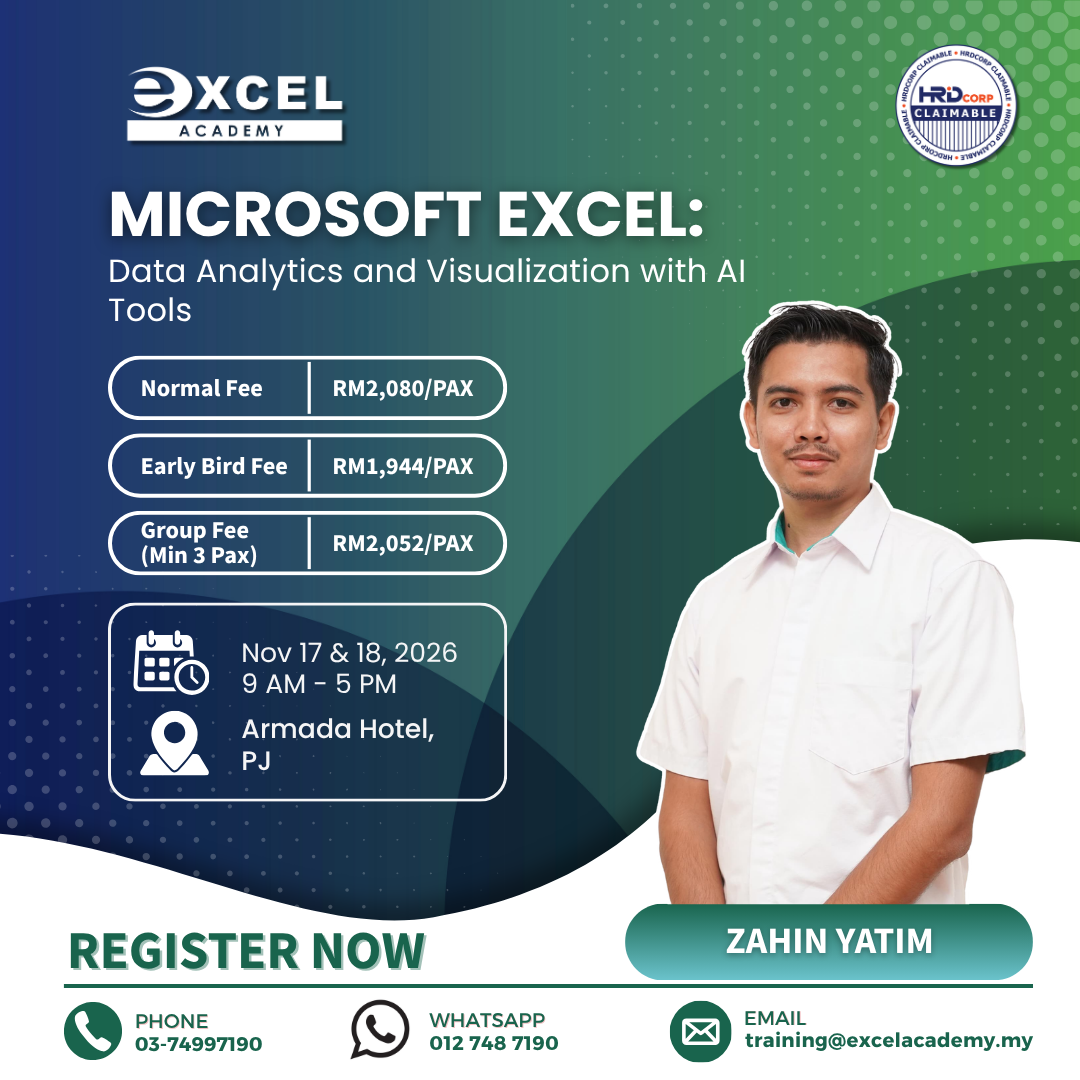
Download The Course Brochure Link
Microsoft Excel with AI Tools is a practical training programme designed to help professionals strengthen their skills in data analytics, data management and visualisation. Participants will explore how Microsoft Excel can be used to clean, organise, analyse and present business data while also learning how AI-assisted tools can support selected analytical and repetitive tasks.
The programme covers essential data-analysis techniques including importing information from different sources, data cleaning, logical and lookup functions, structured tables, data visualisation, PivotTables, PivotCharts and interactive dashboards. Participants will also explore how AI can support data preparation, identify patterns, assist with calculations and improve reporting efficiency.
Through hands-on exercises, this Microsoft Excel with AI Tools programme helps participants transform raw spreadsheet data into clearer and more meaningful business information. The emphasis is on combining practical Excel techniques with AI-assisted workflows that can support faster analysis while maintaining appropriate human review and interpretation.
By the end of the Microsoft Excel with AI Tools programme, participants will have greater confidence in working with larger datasets, creating visual reports and using Excel more effectively to support data-driven workplace decisions.
What will you learn in this Microsoft Excel: Data Analytics and Visualization With AI Tools?
This Microsoft Excel with AI Tools training will help participants develop practical skills in:
- Import and manage data from various sources into Excel for seamless analysis.
- Clean and manipulate data effectively using Excel’s built-in functions and AI-enhanced
features. - Apply advanced Excel functions for logical analysis, data matching, and categorization.
Utilize AI-powered features, such as predictive modeling and automated insights, within Excel. - Visualize data effectively using Excel’s tools, including charts, conditional formatting, and
sparklines. - Create dynamic, interactive dashboards using PivotTables, PivotCharts, and slicers for
enhanced data exploration and storytelling. - Automate repetitive tasks and streamline analysis using Excel’s macros and AI-enhanced
automation tools.
Why Attend This Microsoft Excel with AI Tools Training?
This Microsoft Excel with AI Tools programme is designed for professionals who want to move beyond basic spreadsheet use and develop stronger skills in analysing, organising and presenting workplace data.
Participants will learn how to structure information more effectively, apply Excel functions to solve practical data problems and create clearer visual reports. The programme also introduces AI-assisted techniques that can help support data cleaning, calculations, trend identification and repetitive spreadsheet activities.
Rather than using Excel and AI as separate tools, participants will explore how they can be combined within a practical data-analysis workflow. This approach can help reduce manual effort, improve reporting efficiency and make business information easier to interpret and communicate.
Who Should Attend?
This Microsoft Excel with AI Tools training is suitable for executives, analysts, finance professionals, administrators, HR teams, operations staff and other employees who regularly work with spreadsheets, reports or business data.
It is particularly suitable for participants who already have some familiarity with Microsoft Excel and want to improve their data-analysis, visualisation and dashboard-building skills while gaining exposure to AI-assisted productivity techniques.
No programming or advanced AI knowledge is required.
Course Outline
The Microsoft Excel with AI Tools course outline progresses from data importing and preparation to advanced functions, visualisation and interactive dashboard development.
Module 1: Getting Data Into Microsoft Excel
– Import data from multiple platforms into Excel for further analysis
– Explore methods for efficient data importing and connecting to external data sources
– Integrate AI tools to enhance data retrieval and preprocessing
Module 2: Data Cleaning and Manipulation
– Utilize functions for combining and splitting text to enhance data readability
– Clean data, remove unwanted characters, and ensure accuracy for better analysis
– Leverage AI tools for data cleaning, such as automatic error detection and correction
Module 3: Working With Numbers and Dates
– Convert data types from text to numbers, dates to text, and both numbers and text to dates
– Master functions for generating dates, calculating days between dates, and more
– Use AI tools to automate complex calculations and date manipulations
Module 4: Defined Names for Better Data Management
– Learn how to use cell referencing and naming for improved data organization
– Create named ranges and automate processes for enhanced efficiency
– Implement AI tools to optimize data organization and structure
Module 5: Automating Data Manipulation With Tables
– Utilize SMART TABLES for creating, formatting, and managing data tables
– Format, sort, and filter data efficiently for improved organization
– Apply AI tools to automate data sorting, analysis, and reporting
Module 6: Logical And Lookup Functions
– Evaluate data using nested IF functions for advanced logical operations
– Perform logical operations with IF, categorize data using VLOOKUP and XLOOKUP
– Master advanced functions such as INDEX and MATCH for precise data matching
– Integrate AI for predictive analysis and automated decision-making within Excel
Module 7: Data Visualization
– Visualize data effectively using conditional formatting, sparklines, and number formats
– Utilize standard charts (line, pie, scatter) and specialized charts (hierarchy, waterfall, funnel, etc.) for insightful data representation
– Leverage AI tools to generate visualizations and identify trends automatically
Module 8: Creating Interactive Dashboards
– Summarize data dynamically using PivotTables for quick insights
– Customize, group, sort, and filter pivot data for interactive dashboards
– Create engaging dashboards with pivot charts, slicers, and timelines
– Integrate AI tools to enhance dashboard interactivity and data presentation
By completing this Microsoft Excel with AI Tools programme, participants will be better prepared to clean and analyse business data, create clearer visual reports and build interactive dashboards that support more informed workplace decision-making.
For more information about our training programmes, visit Excel Academy Malaysia.