

Download The Course Brochure Link
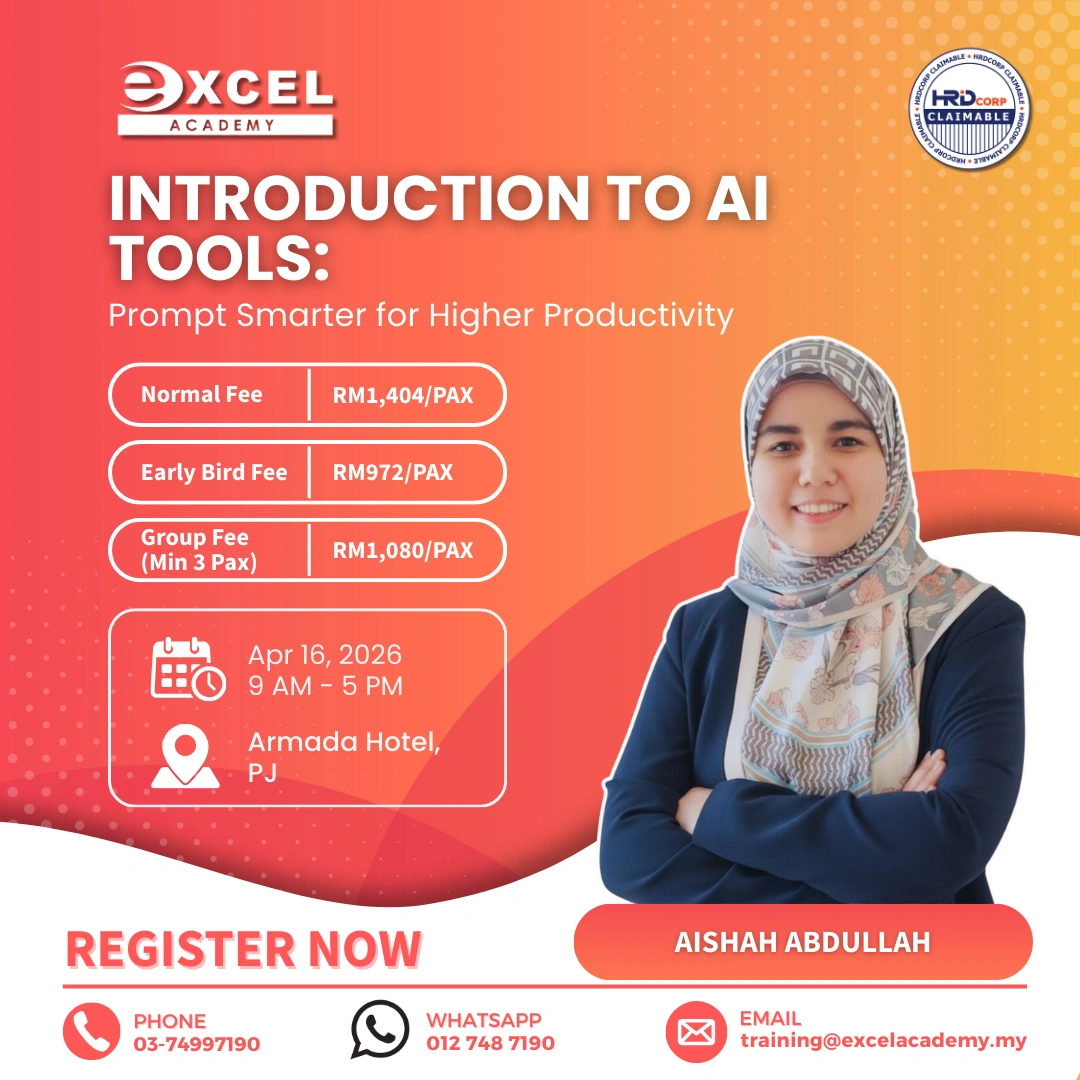
This one-day interactive program equips participants with the practical skills to harness the power of
Artificial Intelligence (AI) in their everyday work and personal lives. With a focus on utilizing the most
common AI platforms such as the free version of ChatGPT and other accessible AI tools, the session is tailored for beginners and casual users who want to move beyond curiosity into confident with hands-
on application. Through live demonstrations, guided practice and collaborative activities, participants will gain firsthand experience on how AI can simplify repetitive tasks, spark creativity and enhance
overall productivity. By the end of the session, participants will gain practical skills and confidence to
integrate AI into their professional and personal routines — turning AI into a trusted productivity partner.
What will you learn in this Introduction To AI Tools : Prompt Smarter for Higher Productivity?
- Explain and apply key AI applications in daily life and professional settings, while effectively
leveraging leading platforms such as ChatGPT to improve work efficiency and productivity. - Differentiate between blind prompting and prompt engineering and understand the impact of
each type of prompting. - Construct and refine well-structured prompts using proven techniques to generate accurate,
relevant and high-quality responses from AI tools. - Recognize AI hallucinations and to validate information for reliable decision-making.
Course Outline
Module 1: Introduction
– AI in the modern workplace
– Why AI matters for productivity
Module 2: What Is Artificial Intelligence (AI)?
– Definition of AI
– Key Features for workplace use
– AI Chatbot Comparisons (ChatGPT, Gemini, Copilot, etc.)
Module 3: Getting Started With AI Tools
– Why we use AI at work
– Introduction to AI Tool(s) & Features
– Using AI Effectively
– Two Types of Prompting
Module 4: Practice (Workplace Applications):
– Drafting & replying to emails
– Content creation for reports, memos, proposals
– Rephrasing for professional tone
– Summarizing documents & meeting notes
– Creating visuals for presentations & marketing
– Uploading & working with documents/photos
– Using voice command features
– Basic data analysis for spreadsheets
Module 5: Prompts for Maximum Efficiency
– Zero-Shot vs Few-Shot Prompting
– Role-Based Prompts
– Structured Prompts (email, report, agenda templates)
– Chain-of-Thought Prompts
– Refining Search
Module 6: AI Hallucinations
– What they are
– Examples in office settings (false references, fabricated data)
– Fact-checking & verification
Module 7: Ethical AI & Responsible Implementation
– Understanding AI Ethics
– Why is responsible AI Important?
– Key Principles of AI Ethics
– Ethical dilemmas in AI
– AI responsible implementation of work
Module 8: Recap, Key Takeaways, & Conclusion
– Review of key tools & skills
– How to integrate AI into workflows
– Next steps for productivity growth