The graphic design course will first start with the Adobe Photoshop aspect. In this session, you will learn the basic uses of the software and will slowly introduce the more advanced features that the software has After this session, you will be able to enhance the images of your posters, flyers, online banners and others. In other words, you will be able to leave and edit your own images to your own liking.
Moving on, our training will commence with Adobe Illustrator aspect. Our Illustrator training will introduce the powerful pen tool, which is able to transform existing shapes, add colour to existing drawn objects, apply layer effects to artwork, and many more. This training will benefit where your will be able to design your own logo and create templates for social media posters/ flyers and others. In short, the set of tools provided by illustrator will provide everything you need to produce extraordinary graphics for print, the web and others.
Graphic Design Course – Available Dates
- January: 17 & 18
- February: 14 & 15
- April: 18 & 19
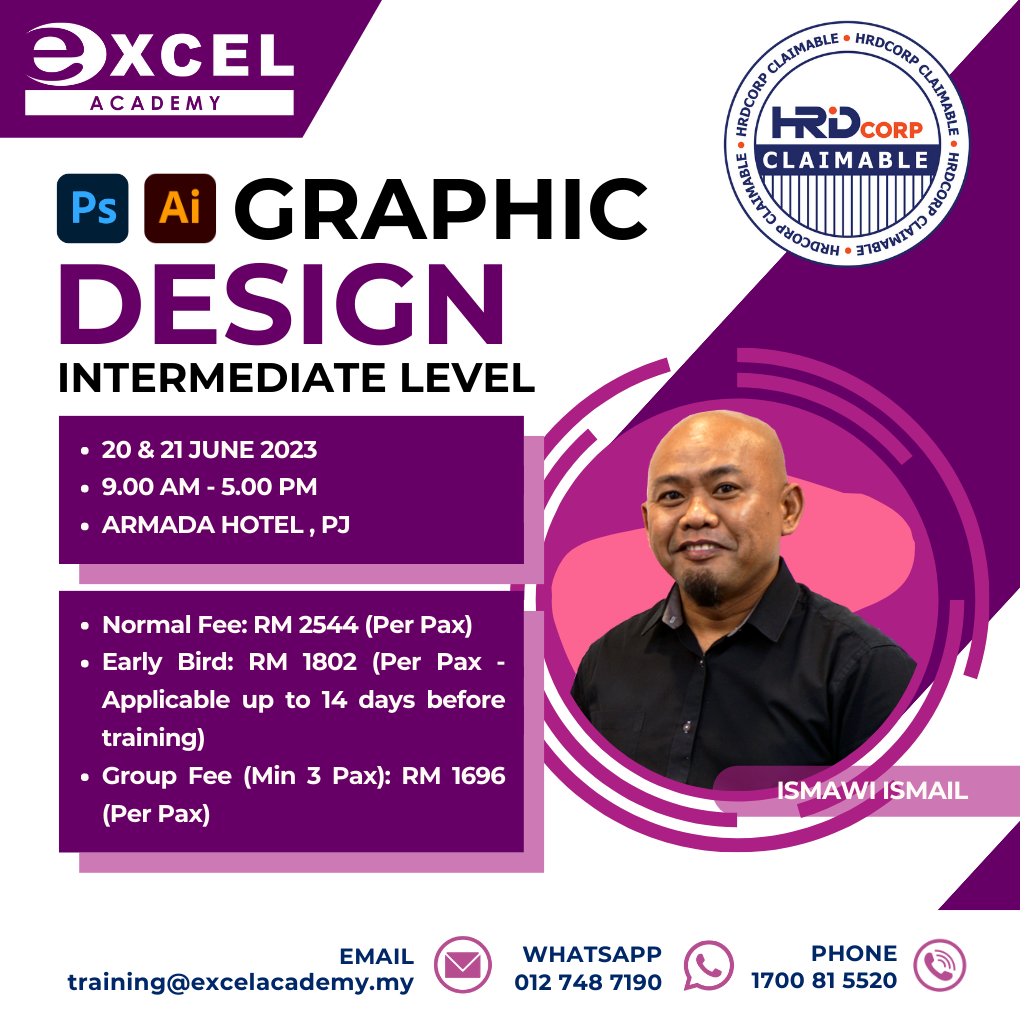
- June: 20 & 21 (Face-to-Face Training)
- August: 22 & 23
- October: 24 & 25
- December: 19 & 20
Graphic Design Course Learning Outcomes
- Develop display ad campaigns
- Promote your company by managing brand colours
- Create online banners in various sizes and formats
- Design print materials like business cards, flyers, etc.
- Learn industry-insider graphic design terms
- Communicate better with ad agencies and design teams
Course Outline
ADOBE PHOTOSHOP
- Digital Advertising Principles of design
- Design Elements
- Introduction to Adobe Photoshop
- Eraser Tool – separate object and background
- Layer effects
- Image manipulation
- Colour correction
- Typography
- Creating Posters for FB and IG
- Creating Banners for FB
- Preparing Photoshop files for animated poster
ADOBE ILLUSTRATOR
- Introduction to Adobe Illustrator
- Drawing with shape
- Tracing with Pen tool
- Layer Effects
- Apply gradients, warp effects, blends, and other styles to shapes in Illustrator
- Typography techniques
- Creating Posters for web and print
- Creating Logos
- Preparing Illustrator files for animated poster
For more information about our Digital Marketing Masterclass, contact us at 1700-81-5520 or email us at training@excelacademy.my. To keep updated with our training you can follow us on Facebook, https://www.facebook.com/excelacademyofexecutiveeducation
Check out other courses, https://www.excelacademy.my/hrdcorp-claimablecourse/