

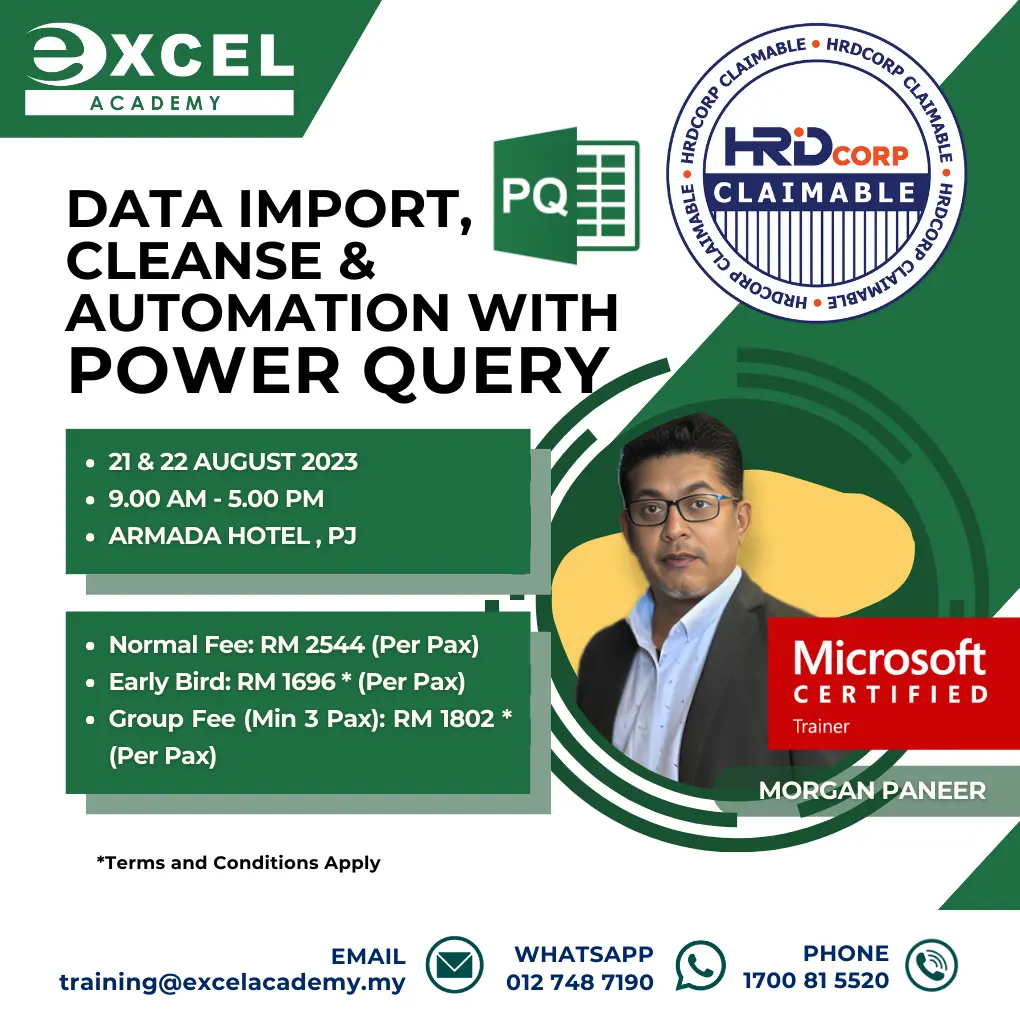
What will you learn in Power Query Training?
•Import / connect to external data from multiple sources
• Automate the data transformation & data cleansing processes
• Combine data from multiple sources into a single source
• Merging data without the need of formulas such as VLOOKUP, INDEX & MATCH
• Perform calculation to aggregate data
Course Outline
INTRODUCTION TO POWER QUERY
This module explains what a power query is and how you can download and install the power query on your computer. Learn how data files are imported / connected whether it’s a text files, CSV file, database, or any other source. Once the connection is built, refreshing the connection will automatically load the latest changes.
APPENDING DATA FROM MULTIPLE SOURCES / FORMATS
In this module, you will append data together into one source from multiple file formats, multiple sources and even an entire folder for the purpose of analysis. If the source is an Excel file, learn to pull data from multiple workbooks, multiple sheets, and multiple tables.
MERGING TABLES
This module shows how easy to merge data without using formulas such as VLOOKUP, INDEX & MATCH. Perform more advanced merges using Inner, Outer, Full, and Anti Joins. Learn to automate reconciliations and throw out exceptional items.
POWER QUERY FORMULAS
This module shows how to perform calculations such as SUM, AVERAGE & COUNT just like a pivot table. More complicated data transformation can be done using “M” language for Power Query.
TRANSFORMING DATA
In Power Query, you will be able to transform selected columns into attribute value pairs where columns become rows for data analysis which is required for Pivot Tables. Data that is structured incorrectly can be transformed easily.
CLEANING DIRTY DATA
The complete removal of dirty data from a source is virtually impossible. Power Query has some tools which can be used to clean some common problems such as missing data, data formatted incorrectly or date problems.
For more information about our Power Query training, contact us at 1700-81-5520 or email us at training@excelacademy.my. To keep updated with our training you can follow us on Facebook, https://www.facebook.com/excelacademyofexecutiveeducation
Check out other courses, https://www.excelacademy.my/hrdcorp-claimablecourse/