

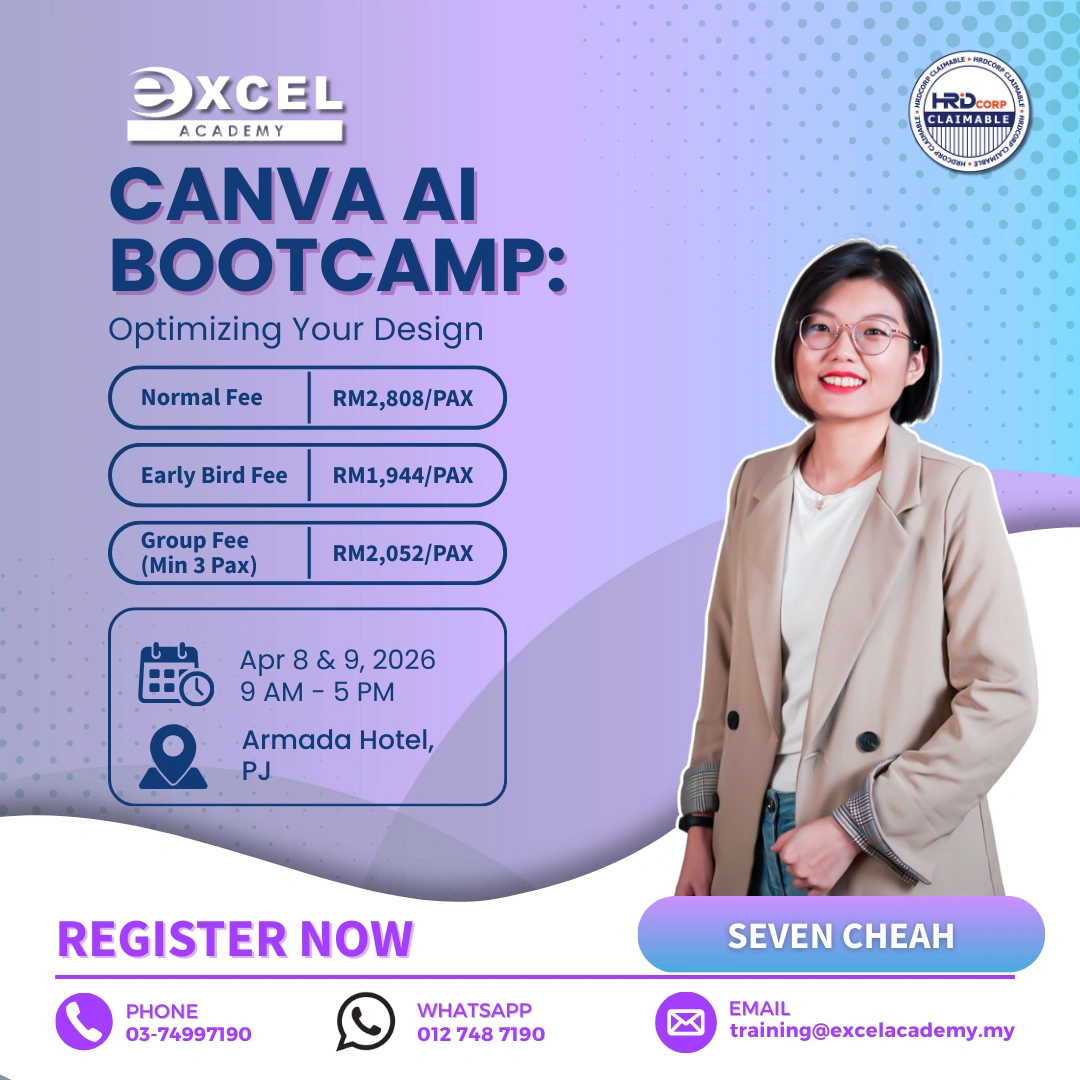
Download The Course Brochure Link
In today’s fast-paced digital world, successful business communication demands more than just
words—it requires compelling, on-brand visuals that capture attention and tell a story. This intensive
two-day course is designed for business professionals, from beginners to intermediates, who want to
master the art of visual content creation to enhance their marketing and corporate communication.
Through a unique combination of foundational design principles and practical, hands-on exercises,
you will learn to transform ideas into compelling business assets and also gain a comprehensive
understanding of how visual content impacts customer engagement and brand recognition in the
digital world. By the end of this course, you’ll learn to navigate the Canva platform with ease, even if you
have no prior graphic design experience, and harness its potential to create stunning graphics for
social media, product presentations, and beyond.
What will you learn in this Canva AI Bootcamp : Optimizing Your Design?
- Craft designs that convey a clear narrative and resonate with specific target audiences across
various platforms.
Be proficient in using Canva’s intuitive interface, making design accessible even to those with no prior graphic design experience. - Explore Canva’s extensive template library and discover how to customize and personalize templates to create designs that align with their brand identity and message.
- Equipped with the knowledge and techniques to expedite design workflows, saving time and
resources while achieving impactful results. - Develop optimized and collaborative workflows using Canva’s tools. Utilize a variety of Canva’s AI-powered tools, to streamline the creative process and save significant time.
Course Outline
Module 1: Foundations & Marketing Design: Introduction To Visual Storytelling
– Importance of visuals in digital marketing and brand engagement.
– Core principles of effective design: color, typography, composition.
– Visual storytelling applicable to social media and digital platforms.
– Discussion & Sharing : visual content from various industries.
Module 2: Maximizing Canva’s Free Features
– Overview of Canva’s free features and interface.
– Principles of visual narrative for various media formats.
– Crafting compelling designs with free elements and photos.
– Creating and managing reusable templates within the free version.
– Hands-on: Create a product/service flyer that applies the design principles.
Module 3: Photo Editing & Animation for Canva
– Introduction to Canva’s photo editing tools (filters, adjustments, cropping, background
remover).
– Enhancing product photos for marketing materials.
– Exploring the animation feature and video feature in Canva.
– Hands-on: Create a social media posts using optimized photos and/or animation.
Module 4: Branding and Consistency
– Developing brand assets, such as a makeshift brand kit.
– Maintaining consistency in designs across different mediums.
– Build a mini brand kit for an organizational initiative.
– Hands-on: Create a mini brand kit.
Module 5: Enhancing Productivity with Canva Docs and Sheets
– Introduction to Canva Docs: a new approach to business documents.
– Using Docs to draft reports, proposals, and meeting notes.
– Hands-on: Create a structured project brief or meeting agenda in Docs.
– Introduction to Canva Sheets: visualizing data within Canva.
– Creating simple charts and graphs from data.
– Hands-on: Import data to create a simple chart in Sheets.
Module 6: AI Tools and Canva
– Overview of AI capabilities in Canva.
– Utilizing Text to Image for unique visual assets.
– Exploring AI-assisted design suggestions for reports and presentations.
– Hands-on: Create a series of AI-enhanced visuals for a visual.
Module 7: Designing Impactful Reports & Presentations
– Best practices for optimizing designs for performance and clarity.
– Structuring reports and presentations for a clear, professional narrative.
– Publishing and sharing content efficiently.
– Hands-on: Design a simple presentation deck.
Module 8: Canva for Website
– Explore the benefits of websites and the key principles of website creation.
– Introduction to creating simple, professional landing pages in Canva.
– Final project: Create a one-page website as conclusion of the course.