

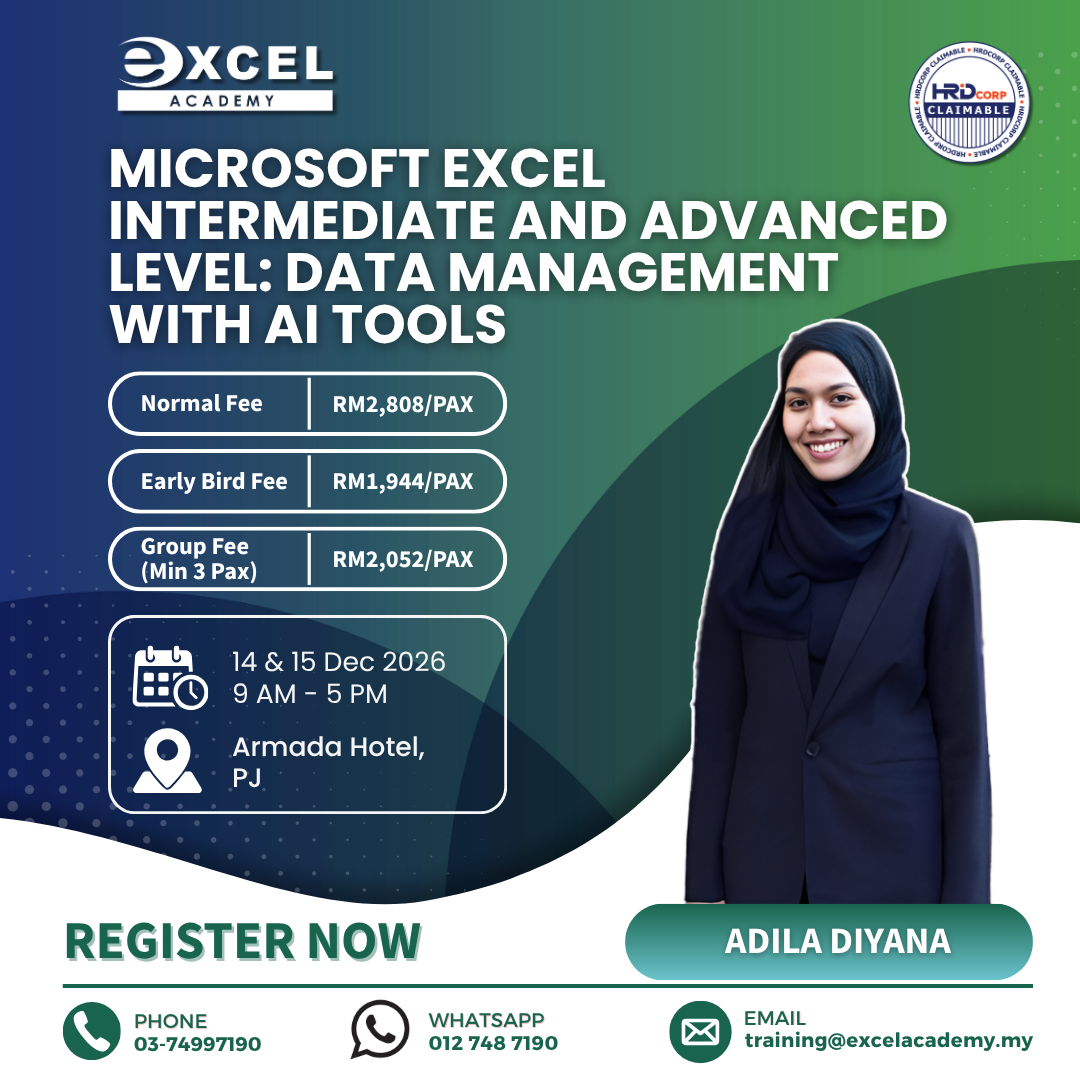
Download The Course Brochure Link
Microsoft Excel Intermediate and Advanced Level is a practical training programme designed to help professionals strengthen their Excel skills while exploring AI-powered tools for data management, analysis and reporting. Participants will learn how to manage complex datasets, apply advanced functions, create dynamic visualisations and improve everyday spreadsheet workflows.
Through hands-on exercises, the Microsoft Excel Intermediate and Advanced Level programme introduces advanced Excel techniques alongside AI-assisted features that can help automate repetitive tasks, identify patterns, improve data accuracy and support more effective decision-making. Participants will also explore PivotTables, PivotCharts, scenario analysis, macros and other tools for handling more demanding workplace data requirements.
What will you learn in this Microsoft Excel Intermediate and Advanced Level With AI Tools?
This Microsoft Excel Intermediate and Advanced Level training will help participants develop practical skills in:
- Efficiently manage and organize large datasets using complex sorting, filtering, and database
functions. - Automate error-checking and validation tasks using AI-enhanced features.
- Create visually compelling reports and dashboards using AI-assisted design
recommendations. - Leverage AI tools to identify patterns and trends in large datasets.
- Streamline repetitive tasks by combining Excel macros with AI-powered workflows.
- Enhance decision-making with predictive modeling and AI-driven scenario analysis.
- Build dynamic PivotTables and PivotCharts enriched with AI insights for data storytelling.
Who Should Attend?
This Microsoft Excel Intermediate and Advanced Level programme is suitable for professionals who already have a basic understanding of Excel and want to strengthen their skills in data management, analysis, reporting and automation.
It is particularly suitable for:
- Executives and managers who work with reports and business data
- Finance and accounting professionals
- HR and administrative professionals
- Operations and project teams
- Business and data analysts
- Professionals who regularly manage large or complex Excel datasets
- Excel users who want to improve their use of advanced functions, PivotTables and PivotCharts
- Professionals interested in using AI-assisted tools to improve spreadsheet productivity
Participants should be comfortable with basic Excel functions before attending, as the programme focuses on intermediate and advanced techniques.
Course Outline
The Microsoft Excel Intermediate and Advanced Level course outline progresses from advanced data management and functions to visualisation, PivotTables, scenario analysis, workbook security and task automation.
Module 1: Advanced Data Management
– Sorting and Filtering by Multiple Criteria
– Custom Sorting and Advanced Filter Options
– Data Cleaning with AI Assistance (e.g., ChatGPT or Power Query with AI integration)
Module 2: Database Functions for Data Accuracy
– Applying Subtotals, Custom Sorts, and Multi-Level Validation
– Customizing Error Messages and Data Validation Rules
– Extracting Online Data using AI Formulas
Module 3: Using and Customizing Templates
– Modifying Workbook Templates
– Accessing Online Templates
– Creating Custom Templates with AI-Driven Suggestions
– Using AI Translate for Multi Language Data
Module 4: Advanced Charting and Visualization
– Combined Chart Types and Secondary Axes
– Formatting and Customizing Chart Elements
– AI-Assisted Chart Recommendations (e.g., in Excel 365 Insights)
– Applying Sparklines for In-Cell Visualization
Module 5: Advanced Filtering Techniques
– Filtering Data by Complex Criteria
– Using Database Functions (DSUM, DAVERAGE)
– Extracting Unique Values and Removing Duplicates Using AI
Module 6: Securing Data With Worksheet Protection
– Protecting Worksheets and Workbooks with Passwords
– Allowing Selective Editing
– Managing Permissions for Workbook Sharing
Module 7: Auditing Tools and Range Names
– Assigning and Managing Range Names
– Using Auditing Arrows and Formula Auditing
– Locating and Correcting Errors with Trace Features
Module 8: Importing and Exporting Data
– Importing External Data
– Exporting Data for Use in Other Applications
– AI-Based Data Cleaning and Formatting
Module 9: Using Advanced Functions For Analysis
– Logical Functions (IF, AND, OR)
– Lookup Functions (VLOOKUP, HLOOKUP, INDEX, MATCH)
– Statistical Functions (COUNTIF, RANK)
Module 10: PivotTables and PivotCharts
– Constructing and Formatting PivotTables
– Grouping Data, Adding Filters, and Using Slicers
– AI-Powered Data Insights for PivotTables
Module 11: Scenario Analysis and Data Tables
– Setting Up Scenarios for ‘What-If’ Analysis
– Creating and Managing Data Tables
– Generating Scenario Summaries with Predictive AI Tools
Module 12: Collaborative Workbook Tracking
– Tracking Changes and Reviewing History
– Comparing and Merging Workbooks
– AI-Powered Version Management
Module 13: Conditional Formatting and Custom Formats
– Applying Data Bars, Color Scales, and Icon Sets
– Creating Custom Number Formats
– AI-Based Recommendations for Formatting
Module 14: Automating Tasks With Macros
– Recording and Running Macros
– Editing Macros for Flexibility
– Assigning Macros to Buttons and Quick Access Toolbar
Throughout the Microsoft Excel Intermediate and Advanced Level programme, participants will strengthen their ability to combine advanced Excel functions, analytical techniques and AI-assisted features in practical workplace scenarios.
By completing this Microsoft Excel Intermediate and Advanced Level programme, participants will be better equipped to manage complex spreadsheet tasks, analyse business data, automate repetitive processes and create more effective reports using both advanced Excel features and AI-assisted tools.
For more information about our training programmes, visit Excel Academy Malaysia.