

Download The Course Brochure Link
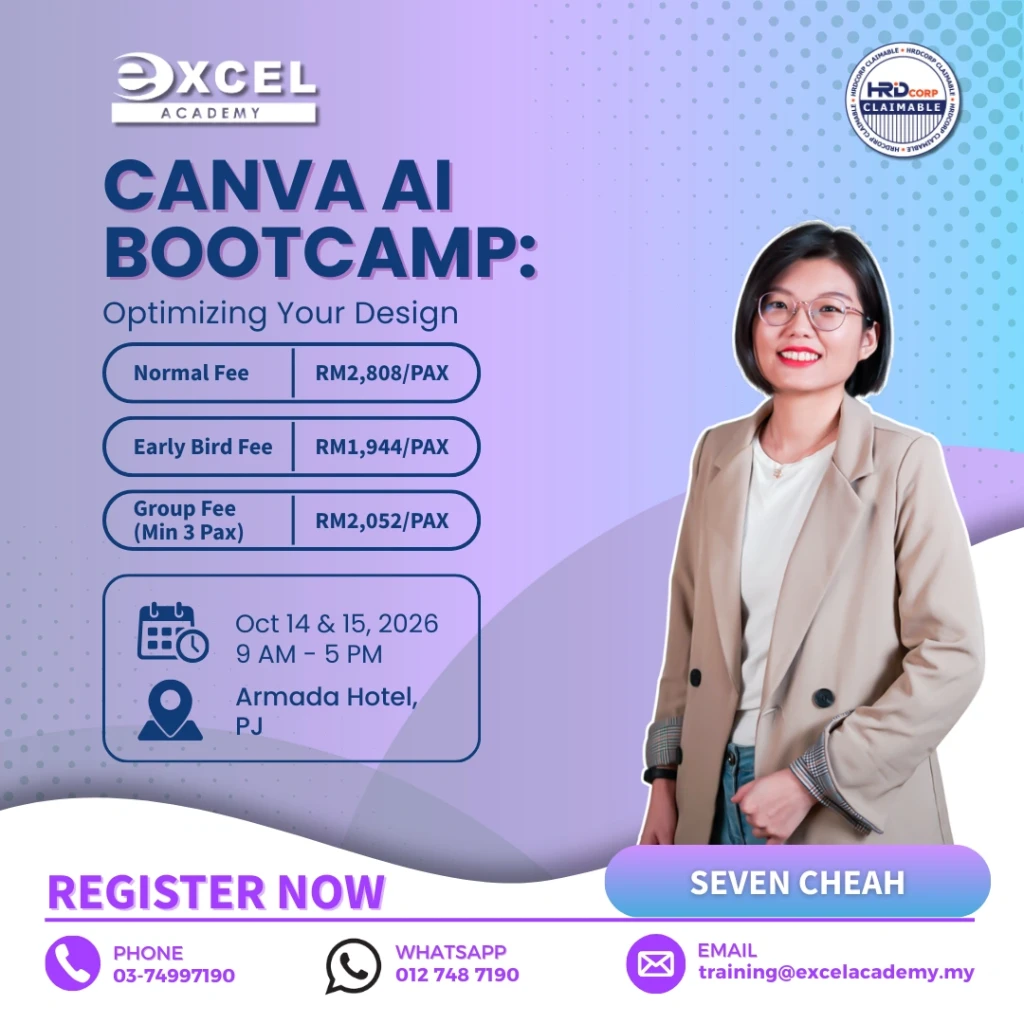
Canva AI Bootcamp is an intensive two-day training programme designed to help business professionals create compelling, on-brand visual content using Canva and its AI-powered design features.
Suitable for beginners and intermediate users, the programme combines essential design principles with practical, hands-on exercises. Participants will learn how to transform ideas into professional business assets for social media, presentations, reports, marketing materials and digital platforms.
The training covers visual storytelling, branding, photo editing, animation, Canva Docs, Canva Sheets, AI-assisted design tools, presentations and website creation. By the end of this Canva AI Bootcamp, participants will be able to navigate Canva more confidently and develop visual content that supports customer engagement, brand recognition and business communication.
What will you learn in this Canva AI Bootcamp: Optimizing Your Design?
This Canva AI Bootcamp will help participants in these aspects:
- Craft designs that convey a clear narrative and resonate with specific target audiences across
various platforms.
Be proficient in using Canva’s intuitive interface, making design accessible even to those with no prior graphic design experience. - Explore Canva’s extensive template library and discover how to customize and personalize templates to create designs that align with their brand identity and message.
- Equipped with the knowledge and techniques to expedite design workflows, saving time and
resources while achieving impactful results. - Develop optimized and collaborative workflows using Canva’s tools. Utilize a variety of Canva’s AI-powered tools, to streamline the creative process and save significant time.
Why Attend This Canva AI Bootcamp?
This Canva AI Bootcamp is designed for professionals who want to produce better visual content without needing advanced graphic design software or extensive design experience.
Participants will learn how to combine practical design principles with Canva’s accessible tools to create professional-looking business content more efficiently. The programme covers visual storytelling, branding, photo editing, animation and reusable templates, helping participants develop a more consistent approach to creating marketing and corporate materials.
The course also introduces Canva’s AI-powered features and demonstrates how they can support idea generation, visual creation and design productivity. Participants will learn how to use these tools as part of a practical creative workflow while still applying human judgement when reviewing design quality, brand consistency and messaging. The Canva AI Bootcamp also helps participants develop a faster and more structured design workflow for producing business, marketing and communication materials.
Who Should Attend?
This Canva AI Bootcamp is suitable for marketing professionals, social media teams, administrators, business owners, entrepreneurs, HR professionals, communications teams and employees who regularly create presentations, reports, promotional materials or digital content.
It is particularly suitable for beginners and intermediate Canva users who want to improve their design skills, create content more efficiently and explore Canva’s AI-assisted capabilities.
No previous graphic design experience is required.
Course Outline
The Canva AI Bootcamp course outline progresses from essential design principles and branding to AI-assisted content creation, presentations, reports and website design.
Module 1: Foundations & Marketing Design: Introduction To Visual Storytelling
– Importance of visuals in digital marketing and brand engagement.
– Core principles of effective design: color, typography, composition.
– Visual storytelling applicable to social media and digital platforms.
– Discussion & Sharing : visual content from various industries.
Module 2: Maximizing Canva’s Free Features
– Overview of Canva’s free features and interface.
– Principles of visual narrative for various media formats.
– Crafting compelling designs with free elements and photos.
– Creating and managing reusable templates within the free version.
– Hands-on: Create a product/service flyer that applies the design principles.
Module 3: Photo Editing & Animation for Canva
– Introduction to Canva’s photo editing tools (filters, adjustments, cropping, background
remover).
– Enhancing product photos for marketing materials.
– Exploring the animation feature and video feature in Canva.
– Hands-on: Create a social media posts using optimized photos and/or animation.
Module 4: Branding and Consistency
– Developing brand assets, such as a makeshift brand kit.
– Maintaining consistency in designs across different mediums.
– Build a mini brand kit for an organizational initiative.
– Hands-on: Create a mini brand kit.
Module 5: Enhancing Productivity with Canva Docs and Sheets
– Introduction to Canva Docs: a new approach to business documents.
– Using Docs to draft reports, proposals, and meeting notes.
– Hands-on: Create a structured project brief or meeting agenda in Docs.
– Introduction to Canva Sheets: visualizing data within Canva.
– Creating simple charts and graphs from data.
– Hands-on: Import data to create a simple chart in Sheets.
Module 6: AI Tools and Canva
– Overview of AI capabilities in Canva.
– Utilizing Text to Image for unique visual assets.
– Exploring AI-assisted design suggestions for reports and presentations.
– Hands-on: Create a series of AI-enhanced visuals for a visual.
Module 7: Designing Impactful Reports & Presentations
– Best practices for optimizing designs for performance and clarity.
– Structuring reports and presentations for a clear, professional narrative.
– Publishing and sharing content efficiently.
– Hands-on: Design a simple presentation deck.
Module 8: Canva for Website
– Explore the benefits of websites and the key principles of website creation.
– Introduction to creating simple, professional landing pages in Canva.
– Final project: Create a one-page website as conclusion of the course.
For more information about our training programmes, visit Excel Academy Malaysia.